
01
No account required
Install the extension and start saving work text immediately without a signup wall.
Browser-side workspace
Note-it Aside keeps snippets, quick tasks, and reusable replies open beside the page you are already on.
Built for support, sales, and e-commerce workflows.
See the extension in real work.
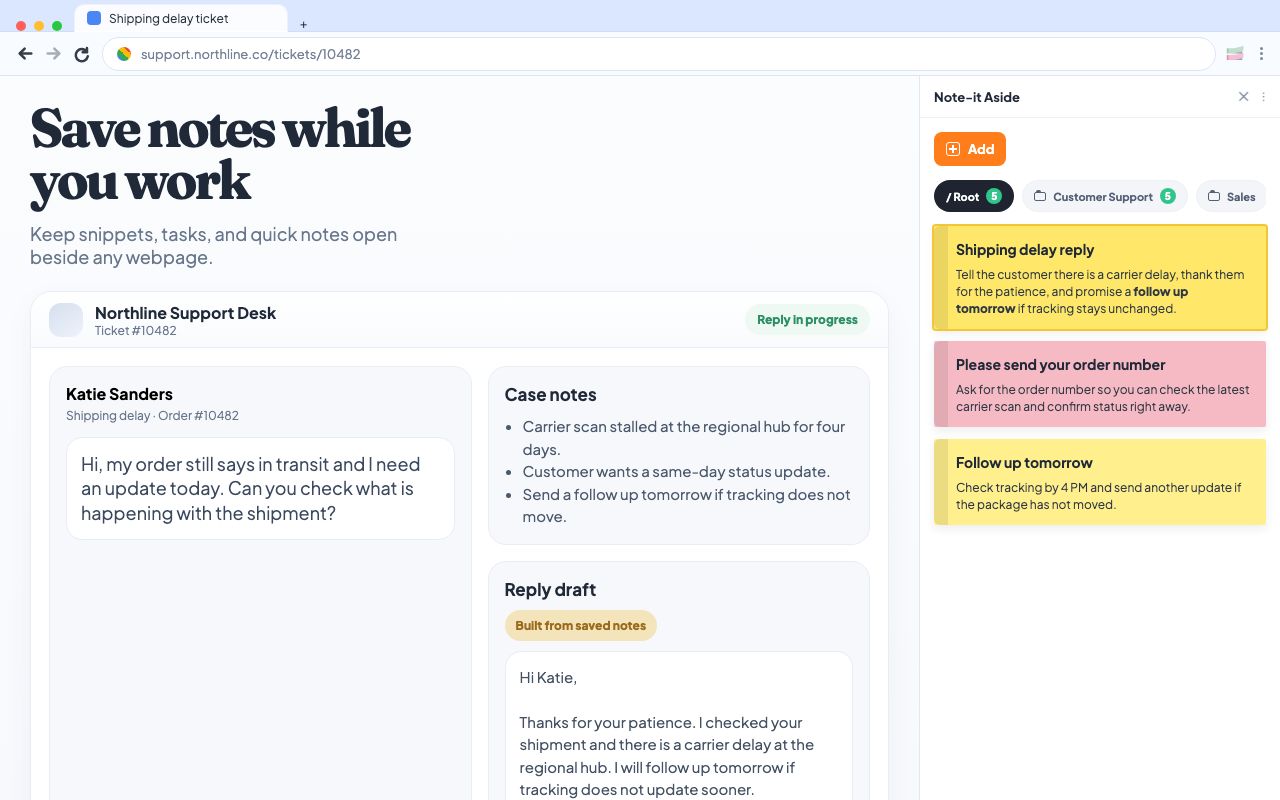
The product story stays simple: save, organize, reuse, share, and back up your notes without leaving the browser workflow.
Public review signal
These quotes come from public Chrome Web Store reviews we observed while gathering proof for the website.
Why it converts faster
01
Install the extension and start saving work text immediately without a signup wall.
02
Keep notes in the browser first, then use sharing or backup only when you actually need them.
03
The product stays beside the page, so your snippets and notes remain visible while you work.
What people say
Longer public reviews tell a clearer story than one-word praise: convenience, visibility, and fewer tab switches.
“I do a LOT of copy/pasting and it is SO convenient to have all my notes right there. No switching tabs, or opening apps on another page.”
“Me parece bastante útil y se adapta perfectamente a mi trabajo... Es la tercer herramienta de extensión y con la que me siento más satisfecho.”
“Cette extension répond à un besoin qui m'était criant... un merveilleux petit bijou dont je ne peux déjà plus me passer.”
“サイドバーの表示で、かつ付箋タイプなので、タブを増やさなくて済むし、手軽に書き込めるので気に入りました。”
“目前用的最顺手的工具... 谢谢开发者大大。”
“Muito bom!... Atualmente só consigo ordenar por mais recente/antigo.”
Quoted from public Chrome Web Store reviews.
Localized screenshots
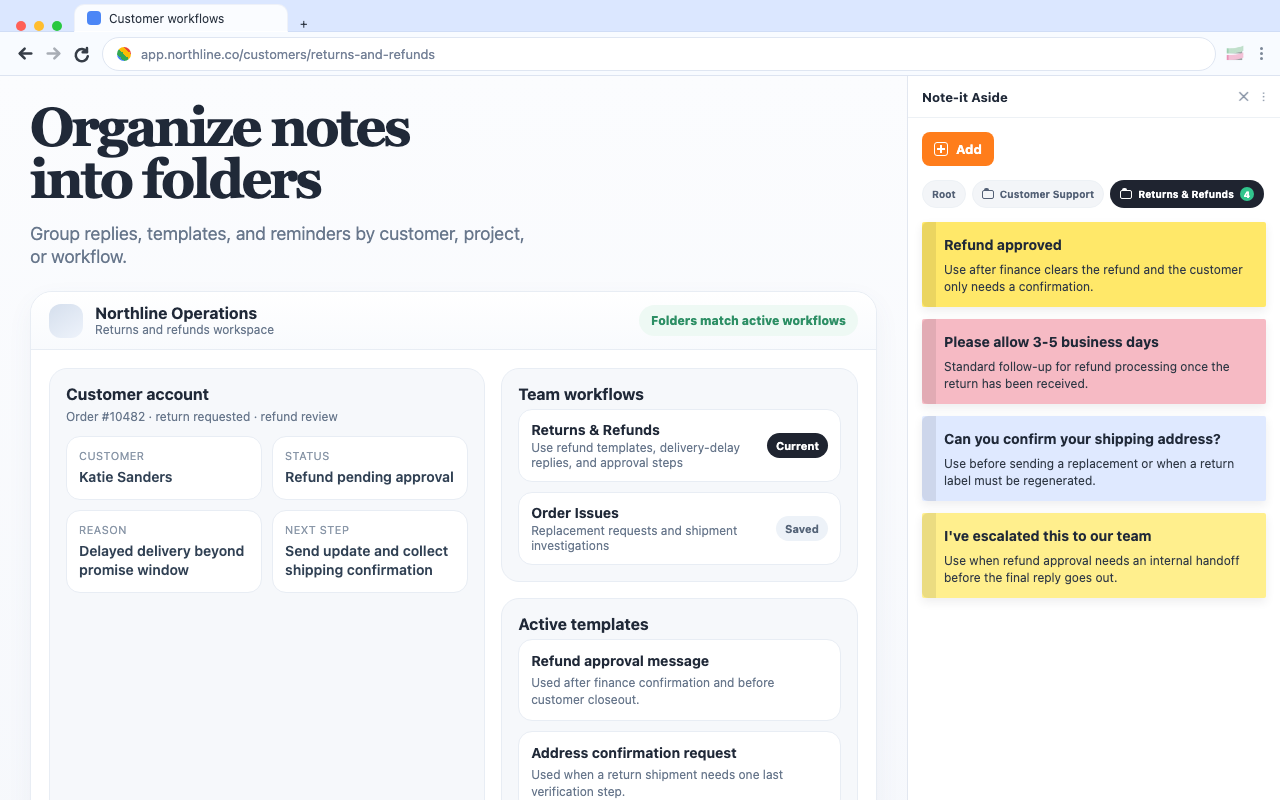
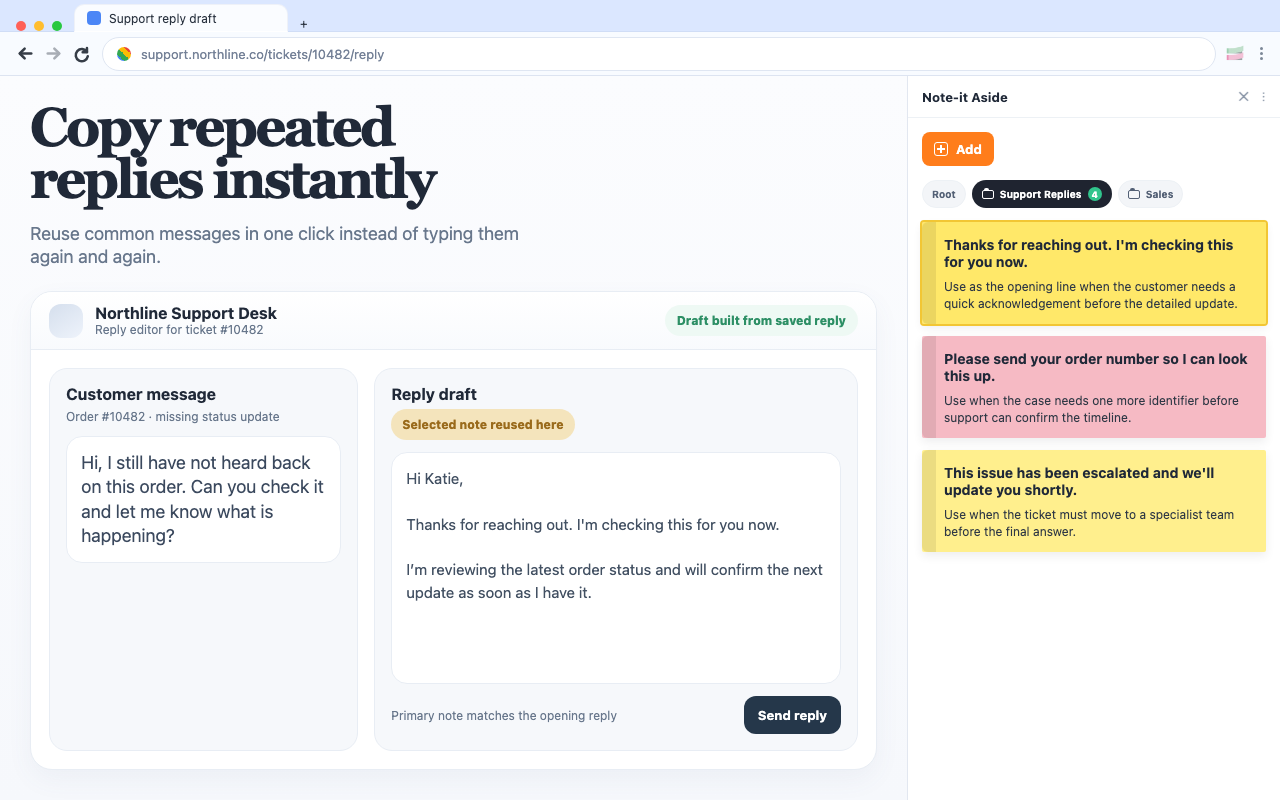
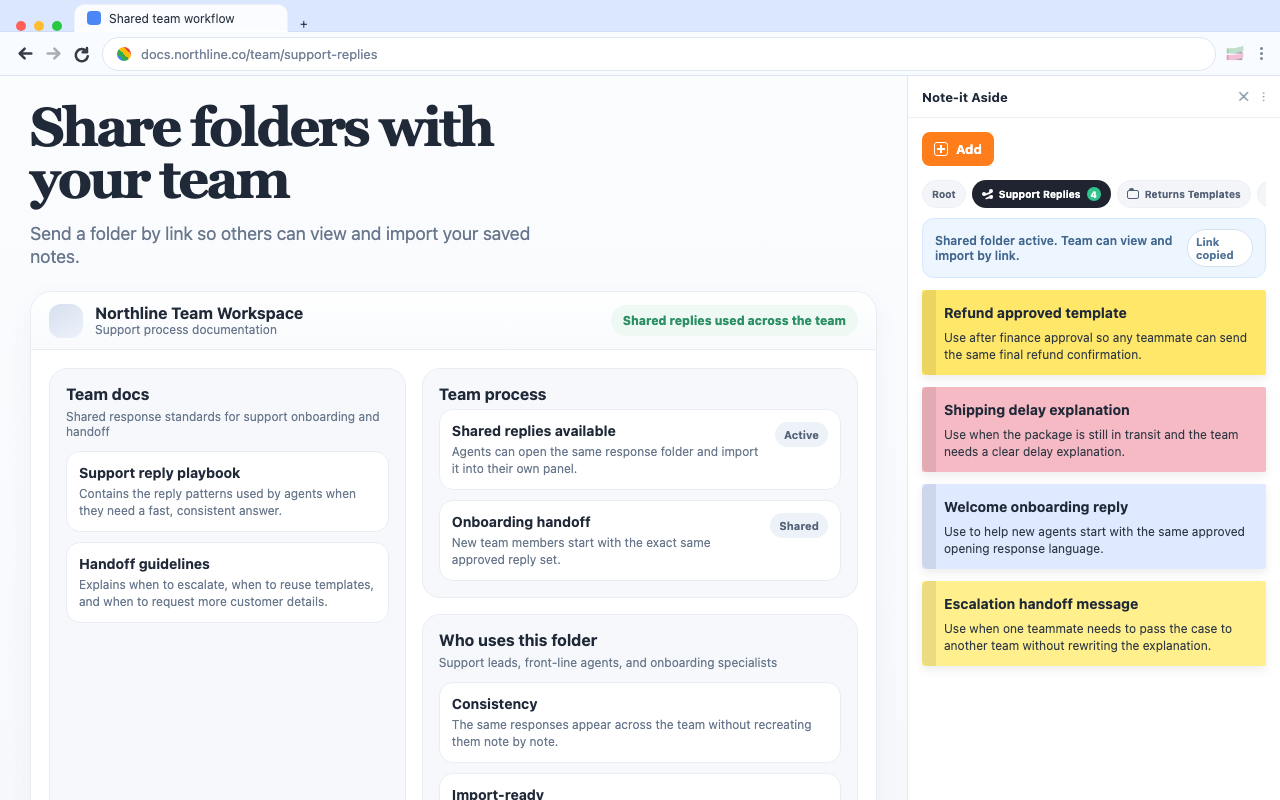
The product story stays simple: save, organize, reuse, share, and back up your notes without leaving the browser workflow.
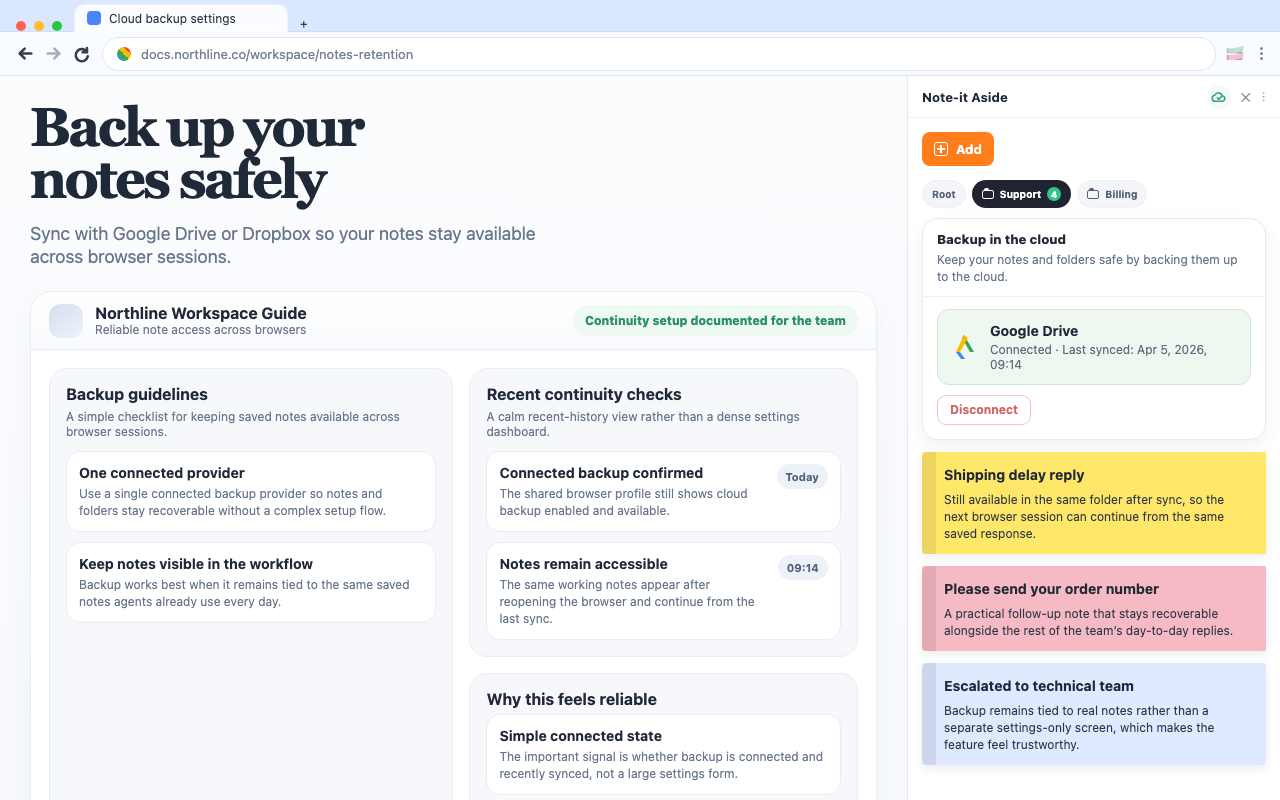
Choose the workflow
The same extension works differently for support queues, sales pipelines, and e-commerce back-office work. Pick the path that fits your workflow first.
Reply without opening another doc
Keep delay updates, refund wording, and escalation notes one click away beside the ticket.
Open page
Stay closer to the CRM
Keep outreach, follow-ups, and next-step replies ready without turning your workflow into a giant template system.
Open page
Handle store work faster
Organize shipping, returns, and admin notes beside the page where the team is already working.
Open page
Practical guides
Start with the guides that match real browser work: support queues, store ops, and lighter alternatives to heavier text tools.
Browse all guidesComparison
If your team mainly needs reusable replies, quick notes, and foldered snippets beside the page, a lighter browser-side setup can be enough.
Customer support
Support work gets faster when the replies you use every day stay visible beside the ticket instead of buried in docs or old tabs.
E-commerce
For many store teams, the best workflow is not a big help desk layer. It is a clean side panel with the replies and notes you need right beside the admin.
Ver 0.1
Keep notes open beside any webpage
Group text into folders by workflow
Reuse repeated replies quickly
Share and back up important collections